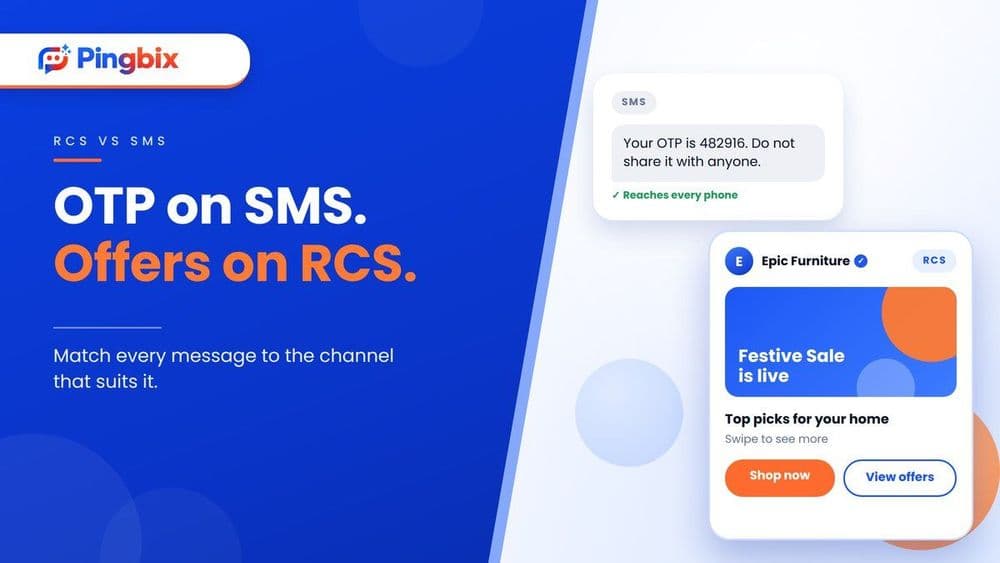
RCS vs SMS: Which Messages Should Go on Which Channel
Most guides on RCS vs SMS end with the same advice: RCS is richer, so move to RCS. It's tidy advice, and it's not quite right.
Your OTP and your festive sale are two very different messages. They don't need the same channel. This guide skips the basics and looks at RCS vs SMS message by message, so you can decide what goes where.
If you need a refresher first, we've covered what RCS is and how it differs from SMS and why enterprises are shifting budgets from SMS to RCS in earlier posts.
What changed in India this year
Two things are worth knowing before you plan.
RCS reached iPhones on Jio. In September 2026, Reliance Jio became the first Indian operator to offer business RCS messaging to iPhone users on its network. Until now, iPhone users were a gap for brands on RCS. Airtel and Vi are expected to follow, but nothing is confirmed for them yet, so don't assume iPhone reach on every network.
The cost picture moved. Jio's rates for business RCS changed alongside this rollout, with different rates for marketing, transactional and OTP messages. We broke that down in our post on what Jio's RCS change means for your business. The short version: check current rates before you move a message type to RCS, because the answer is now different for each type.
One thing hasn't changed. Whether you send SMS or RCS, TRAI's DLT rules still apply. Your entity, sender IDs and templates need to be registered first, and RCS also needs your brand verified. Skipping this is the most common reason a launch stalls.
Message by message: where each one goes
| Message | Best channel | Why |
|---|---|---|
| OTP and login code | SMS | Must arrive in seconds on any phone, even with weak data |
| Fraud or security alert | SMS | If it doesn't arrive, it's useless |
| Payment received, due date | SMS | Short and plain. No image or button needed |
| Festive offer or new launch | RCS, with SMS for the rest | A swipeable carousel and a "Shop now" button beat a text link |
| Order and delivery update | RCS, with SMS for the rest | A tracking button saves the customer a call |
| Appointment reminder | RCS, with SMS for the rest | Customers can tap to confirm or reschedule |
| Abandoned cart nudge | RCS, with SMS for the rest | The product image and a "Buy now" button do the work |
| Message to a customer with an older phone or weak data | SMS | It reaches them. RCS may not |
Two things sit behind this table. SMS is the dependable channel, so a quick, reliable SMS service should own anything that has to arrive no matter what. If messages go missing, our post on undelivered SMS covers what to check.
RCS business messaging is the better pick when the customer needs to see something or do something. Delivery updates are a good example, and we've written about them in RCS for logistics in India. A verified brand name also makes your message look less like spam, which matters when customers are wary of unknown senders.
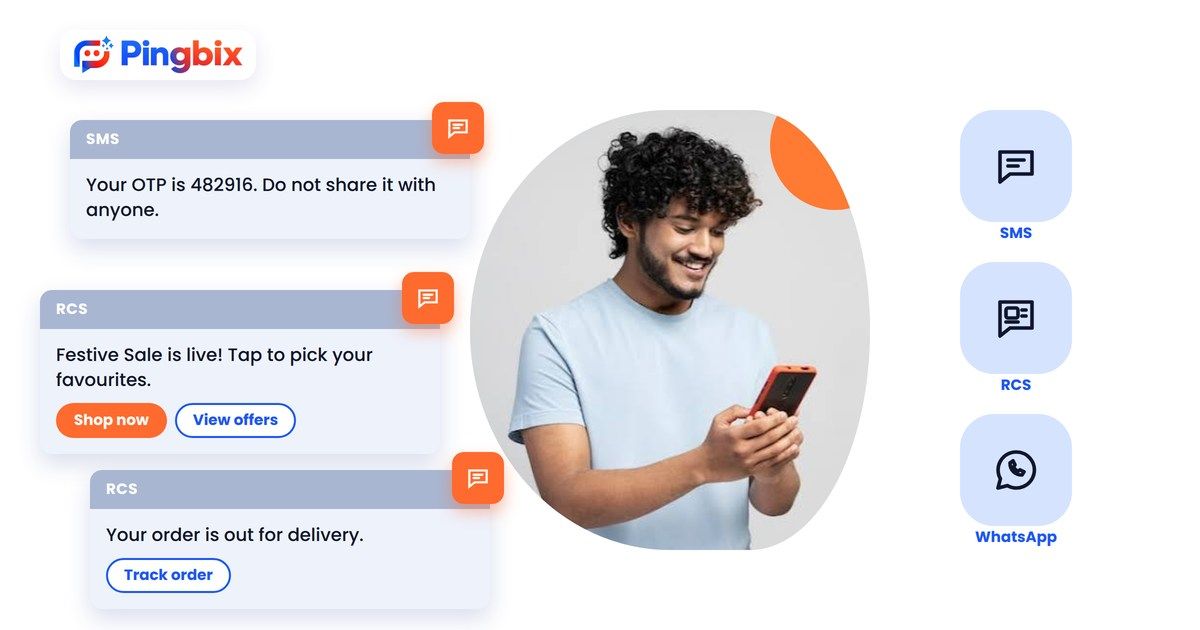
A use case: one festive sale, two channels
Say you run a D2C home decor brand, and the festive sale starts next week. Here's how one campaign can use both channels.
- Announcement on RCS. Customers on RCS-ready phones get a message with your logo, a carousel of your top four products, and a "Shop now" button. One tap takes them to the product page.
- Same message falls back to SMS. Customers whose phones can't receive RCS get a short text with the sale link instead. Nobody is left out.
- Checkout OTP on SMS. When a customer logs in or confirms a cash-on-delivery order, the code goes by SMS, where it's fastest and works everywhere.
- Shipping updates on RCS. After the order, the customer gets a tracking button, not a link they have to hunt for.
Same customer, same sale, and each message sits on the channel that suits it. The promotion gets the rich format, and the OTP gets the dependable one.
Not sure which of your messages should move to RCS and which should stay on SMS? Tell us what you send today, and we'll help you map it out.
A simple way to decide
Ask three questions about each message:
- Does it need to arrive on any phone, right now? If yes, SMS. (OTPs, fraud alerts.)
- Would the customer do better with a picture, a product or a button? If yes, RCS. (Promotions, tracking, confirmations.)
- Do you have a mixed audience? Send on RCS and let SMS cover the rest.
If you're unsure, start with one message type. Pick a campaign you already run, like an order update, test it on RCS next to your current SMS, and compare.
And if your customers live on WhatsApp, it can sit alongside both. WhatsApp Business API is a good fit for two-way conversations, while RCS and SMS handle the broadcast and verification side.
How Pingbix fits in
Pingbix runs both channels on one platform, so you don't need separate vendors for RCS and SMS. RCS messages support buttons, carousels and rich media from a verified brand profile, and SMS covers OTPs, alerts and campaigns. We also guide you through DLT registration, so your sender IDs and templates are ready before you send.
That means you can plan your messages by purpose, not by which tool you happen to have.
Pick the channel per message, not per business
The real answer to RCS vs SMS isn't one or the other. It's a split. Keep the messages that must reach everyone, fast, on SMS. Move the ones that benefit from visuals and buttons to RCS. Let SMS catch the customers RCS can't reach.
Want to see how this would work for your own messages, not a generic demo, but built around your actual campaigns and customers?