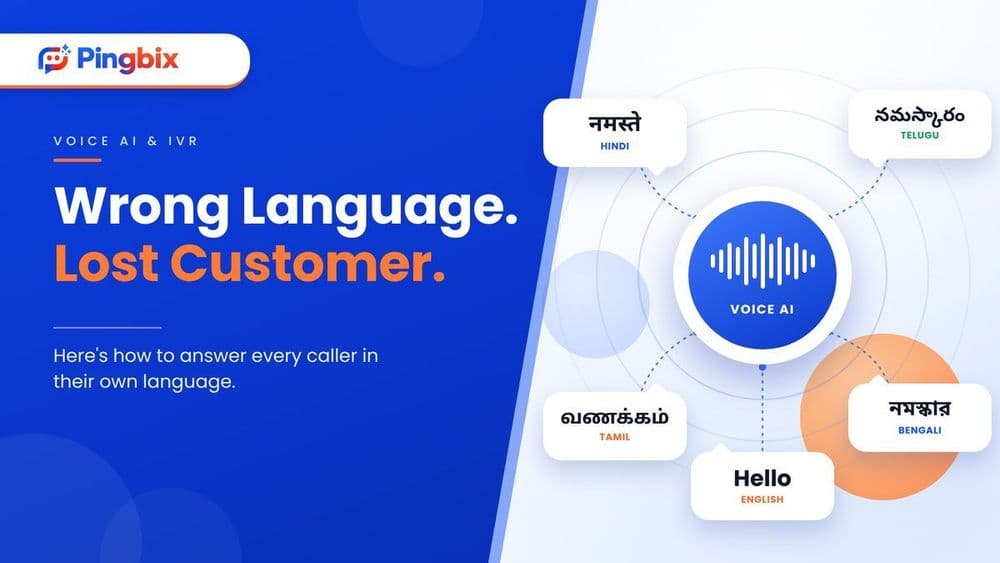
Multilingual Customer Support: 3 Ways to Do It and Where Voice AI Fits
A customer calls your support line. They speak Telugu at home, a little English at work, and they'd like to explain their problem in the language they think in. Who picks up?
For most businesses, the answer is whoever is on shift. If that person doesn't speak the language, the customer waits for a transfer, switches to a language they're less comfortable in, or hangs up.
That's the gap multilingual customer support is meant to close. This guide covers what it means, the three ways businesses usually offer it, and where Voice AI fits in.
What is multilingual customer support?
Multilingual customer support means helping customers in the language they prefer, not only the one your team finds easiest. It covers calls, chats and messages.
It isn't the same as translation. Translating a reply after the fact is slow, and it often loses tone. Real multilingual support means the customer is understood, and answered, in their own language from the first sentence.
Why it matters more in India
India has 22 officially recognised languages, and many customers move between two or three of them in a single day. Someone might read an SMS in English and still want to talk through a failed payment in Hindi.
When support only works well in one or two languages, everyone else gets a worse experience. They wait longer, repeat themselves, or give up. For businesses in healthcare, fintech, logistics and education, where a call is often about money, health or a late delivery, that's a real cost.
Three ways to offer multilingual customer support
1. Hire multilingual agents in-house
You get natural conversations and full control over training. The catch is that every extra language means more hiring, more training and more shift planning. Covering Hindi, Tamil and Bengali at 9 pm on a Sunday is hard for any team.
This works best when you need a few languages and call volumes are steady.
2. Use a multilingual call center
Searching "multilingual call center" usually leads to outsourced teams. This gets you coverage fast, and you can add languages without hiring.
That being said, quality can vary between vendors. You have less control over what's said on your brand's behalf, and you're still limited by how many people are on the line at once.
3. Use Voice AI
Voice AI answers calls and speaks to the customer in their language. It can take routine calls, like order status, appointment timings and payment due dates, at any hour. It doesn't run out of lines during a peak.
Calls that need judgment still go to your team. The AI's job is to clear the routine volume so your people have time for those.
A quick note on terms: a multilingual chatbot handles text chats, while Voice AI handles phone calls. If your customers mostly call, voice is where the language gap shows up first.
Side-by-side comparison
| Hire in-house | Multilingual call center | Voice AI | |
|---|---|---|---|
| Language coverage | Limited to who you hire | Wider, depends on the vendor | Set up per language, and each one should be tested |
| Hours covered | Your shifts | Depends on the contract | Any hour |
| Peak-hour spikes | Limited by staff on shift | Limited by seats | Can take many calls at once |
| Control over what's said | High | Medium | High, you decide what it says and knows |
| Best for | Sensitive, high-value conversations | Quick extra staffing | High-volume routine calls in several languages |
None of these is the single right answer. Many businesses combine them: Voice AI for routine calls, and their own team for the rest.
Not sure which setup fits your call volume and the languages your customers actually speak? Tell us what your calls look like, and we'll help you work it out.
[Book a Demo]
What Voice AI can handle, and what still needs a person
Voice AI does well with calls that follow a pattern:
- Booking or rescheduling an appointment
- Order and delivery status
- Payment and EMI due dates and reminders
- Simple questions about timings, policies or account details
- Collecting the details of a problem before it goes to your team
It's the wrong tool for an upset customer, a dispute, anything clinical or legal, or a big decision. A good setup doesn't try to do everything. It handles the routine calls well, and passes the rest to your team quickly.
How Pingbix Voice AI fits in
Pingbix Voice AI can talk to customers in more than one language, so callers can be served in the language they're comfortable with instead of the one your team happens to speak.
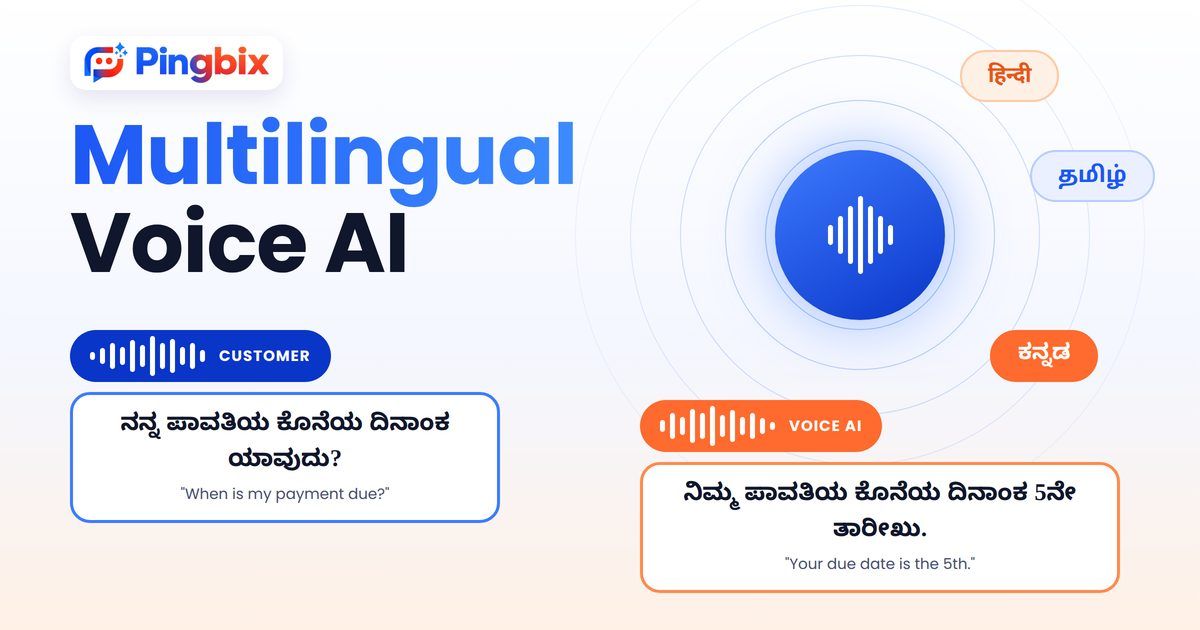
The right set of languages depends on who your customers are. That's why it's worth looking at your own call logs before deciding, which we cover next.
What to check before you choose
Whichever route you take, a few checks save a lot of trouble:
- Look at your call logs. Which languages do your callers actually use? Start with the top two or three, not every language you can name.
- Test with real calls, not scripts. Real customers have accents, mix languages mid-sentence, and call from noisy places. A demo in a quiet room tells you very little.
- Decide your handoff rules in advance. Which topics always go to a person, and how fast?
- Track results by language. Hold time, resolution and repeat calls. If one language lags, you'll see it.
Start with the languages your customers already use
Multilingual customer support isn't about covering every language on day one. It's about not making a customer work harder because of the language they speak.
So start with the languages your callers use most, pick the setup that fits your volume, and build from there.
Want to see how Voice AI would handle your own calls, in the languages your customers actually speak, not a generic demo, but built around your use case?
[Book a Demo]